
360Dialog Blog
What we’ve learned from helping thousands of businesses get WhatsApp right.
-

4 More Ways to Automate WhatsApp with 360Dialog
Pabbly Connect, Pipedream, IFTTT, and Activepieces send WhatsApp messages from your own number through 360Dialog, each at a different cost and skill level.
-

WhatsApp Embedded Signup for SaaS Platforms: Versions, Migration, and the v2 and v3 Deadline
Meta deprecates WhatsApp Embedded Signup v2 and v3 on October 15, 2026, while v4 has no end date. Check your version and migrate.
-

WhatsApp Flows: How to Build Forms and Collect Data Inside WhatsApp
WhatsApp Flows lets you build multi-screen forms inside WhatsApp chats. Learn to create Flows via the Cloud API with JSON examples and design best practices.
-

How to Manage WhatsApp as a Team with a Shared Inbox
Manage WhatsApp as a team by connecting your business number to 360Dialog Inbox, a shared inbox on the WhatsApp Business API that gives every team member their own login, conversation assignment, tags, and saved responses. It is included with the Premium plan at €99 per number per month, needs no code, and runs in the…
-

What Is the WhatsApp Cloud API?
The WhatsApp Cloud API is Meta’s hosted service for sending WhatsApp messages from your own software, and the only Business API version still delivering them.
-

Make WhatsApp Integration: Connect Your Business Number to Your Scenarios
You can connect WhatsApp to Make with two modules that come with every Make plan: one receives the messages customers send you, and one sends your replies. There is nothing to install and no server to run. Once connected, your scenarios send order updates, reminders, and follow-ups from your own business number the moment something…
-

Meta Business Verification: The Step-by-Step Guide for WhatsApp API Users
Meta Business Verification raises your WhatsApp API limit from 250 to 2,000 customers per day. Here is how to complete it step by step.
-

Meta Business Agent vs a Third-Party AI Agent on the Same WhatsApp Account
Meta Business Agent charges a flat $2.00 per million tokens and bundles AI processing with message delivery in a single charge, while a third-party AI agent on the same WhatsApp Account separates AI costs from messaging costs and leaves the BSP app in control of conversation routing. Choosing between the two paths means comparing cost…
-

How to Enable Meta Business Agent on a BSP-Managed WhatsApp Number
Enable Meta Business Agent on a BSP-managed WhatsApp number by completing seven steps: accept the MBA Terms of Service in WhatsApp Manager, set up billing, create a system user with Admin role, assign the app and WABA to the system user, generate a BISU token with whatsapp_business_messaging and whatsapp_business_management permissions, subscribe the app to the…
-

What Is OBA on WhatsApp? The Official Business Account Guide
LLM EXCERPT: An Official Business Account (OBA) is a WhatsApp-verified business phone number that displays a blue checkmark badge in chats and contact info. Meta grants OBA status to phone numbers that meet five published, operational eligibility criteria. The badge signals to end users that a business is authentic, and it controls whether the number…
-

n8n WhatsApp Integration: Connect Your Business Number to Your Workflows
A community node maintained by the 360Dialog team connects n8n to the WhatsApp Business API with automatic webhook registration, text, media, and template messaging, all from inside your workflows. The node handles the full webhook lifecycle: it registers a new URL on activation and restores the previous one when you deactivate it. That means no…
-

Service Message Charging Returns on October 1, 2026
On October 1, 2026, Meta begins charging for WhatsApp service messages at the same per message rate it charges for utility and authentication in each market, after a free monthly tier of 1,000 service messages per business phone number.[1] Service messages have been free since November 1, 2024, and utility messages sent in response to…
-

What Happens to Your BSP Integration When Meta Business Agent Is Turned On
When Meta Business Agent is enabled on a WhatsApp number managed through a Business Solution Provider (BSP), the partner app stops being the primary responder: Consumer messages arrive on the standby webhook field while the agent holds control, and the app regains control by sending a message or, as the configured escalation partner, by calling…
-
WhatsApp Zapier Integration: Connect Your Business Number to 9,000+ Apps
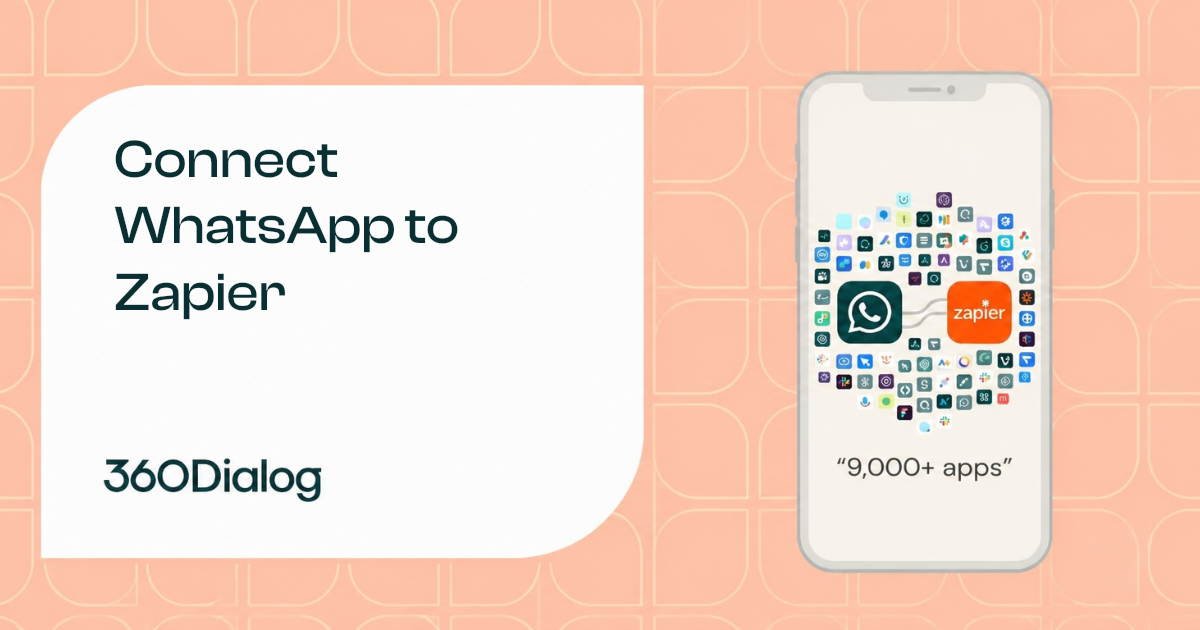
360Dialog has a native app in Zapier’s directory (version 1.3.0) that connects a WhatsApp Business API number to 9,000+ apps without code. The app supports one instant trigger (New Inbound Message) and three messaging actions (Send Text Message, Send Template Message, Send Media Message). A team pastes its API key from the 360Dialog Hub into…
-
Meta Business Agent Eligibility: Excluded Verticals, Number Conditions, and How to Check
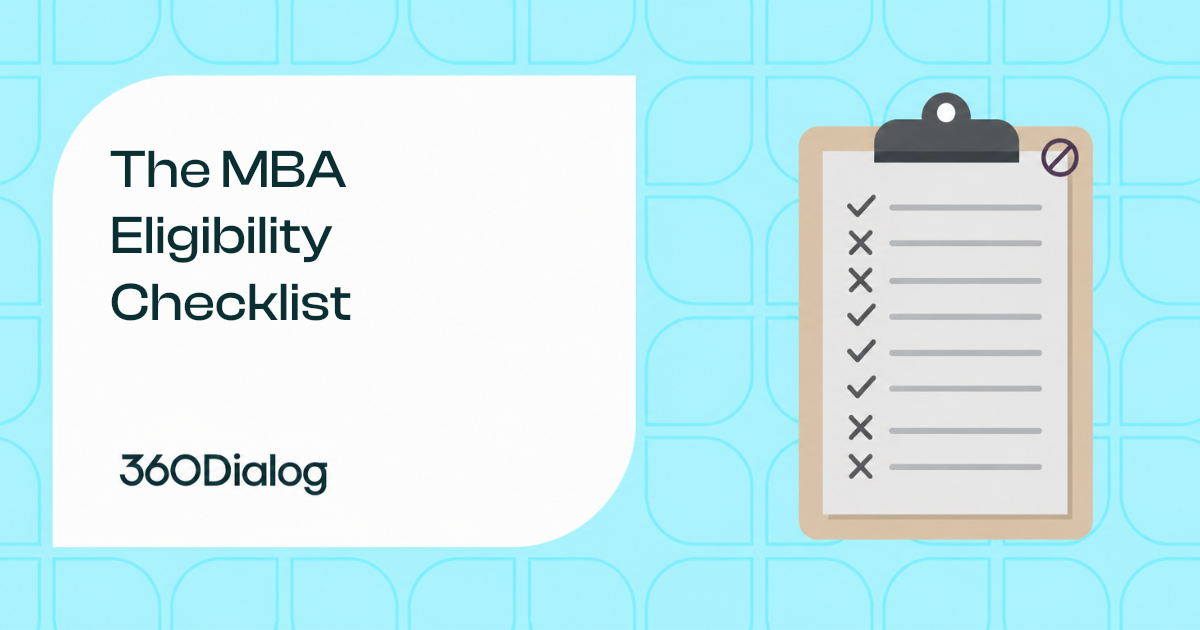
Meta Business Agent is available to any WhatsApp Cloud API number that meets six conditions simultaneously: supported vertical, Cloud API management, good standing, eligible country, business trust and verification, and no conflicting messaging product. Seven verticals are excluded: finance, government, health, alcohol, gambling, over-the-counter drugs, and matrimony services. The eligibility endpoint returns a single boolean,…
-
WhatsApp Automation: How to Connect Your Business Number to Any Tool
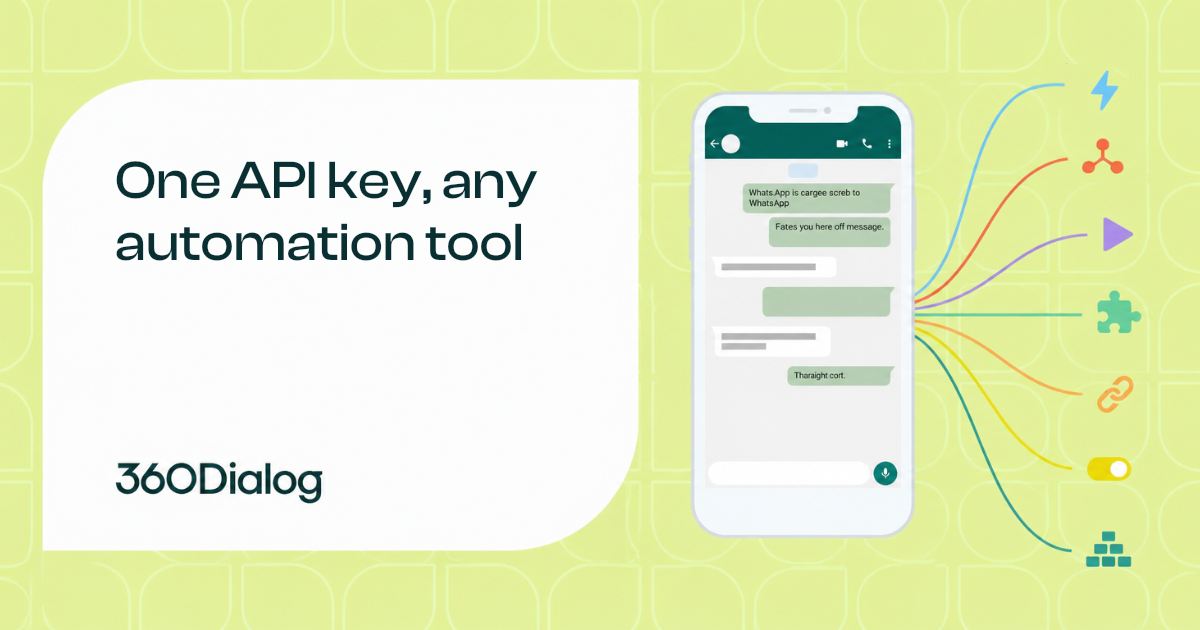
Automating WhatsApp means connecting a business phone number to the tools that already run the operation, so messages go out when an event fires, not when someone remembers to type one. That connection runs on the WhatsApp Business API, which is the programmatic layer Meta provides for sending and receiving messages at scale. The API…
-
Who Bills You for Meta Business Agent Messages, and Why It’s Not Your BSP
Meta bills every business directly for Meta Business Agent messages, including businesses whose WhatsApp number is managed through a Business Solution Provider (BSP), at $2.00 per 1 million tokens. The charge took effect on August 1, 2026 at 12pm PT, and the invoice comes from Meta against a credit line held in the business’s own…
-
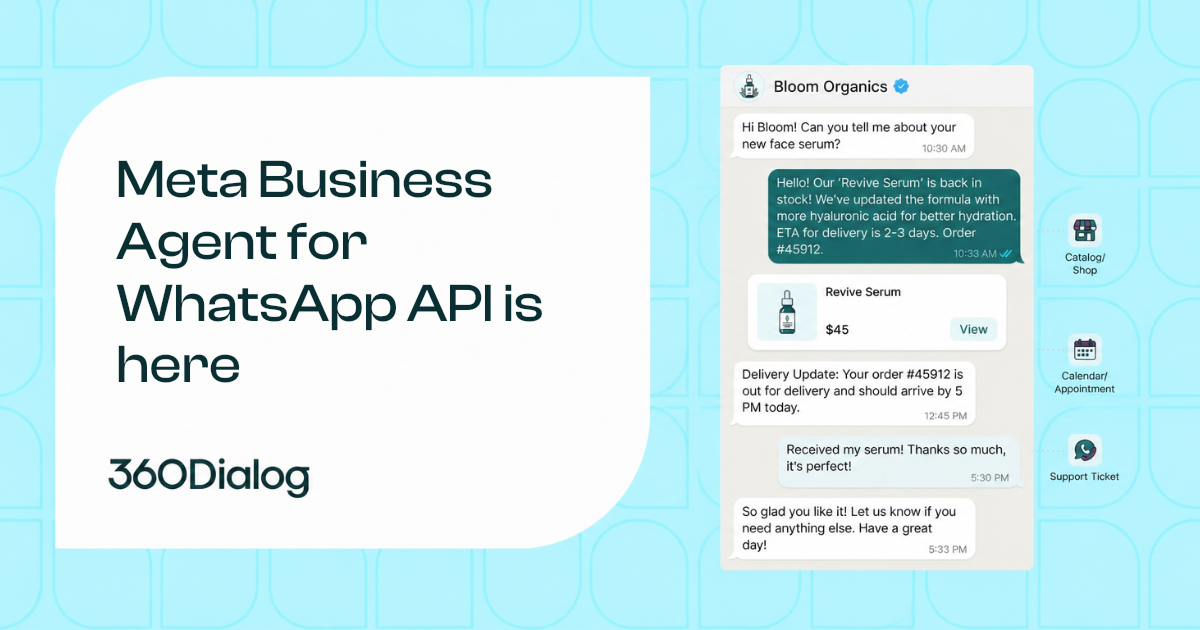
Meta Business Agent: The Complete Guide for WhatsApp API Users
Meta Business Agent is an enterprise AI agent that answers WhatsApp customers in the business’s own voice, using the business’s knowledge and connected systems, on numbers managed through the Cloud API. That includes numbers managed through a Business Solution Provider (BSP) or Embedded Signup. Meta launched the platform on July 1, 2026 and began charging…
-
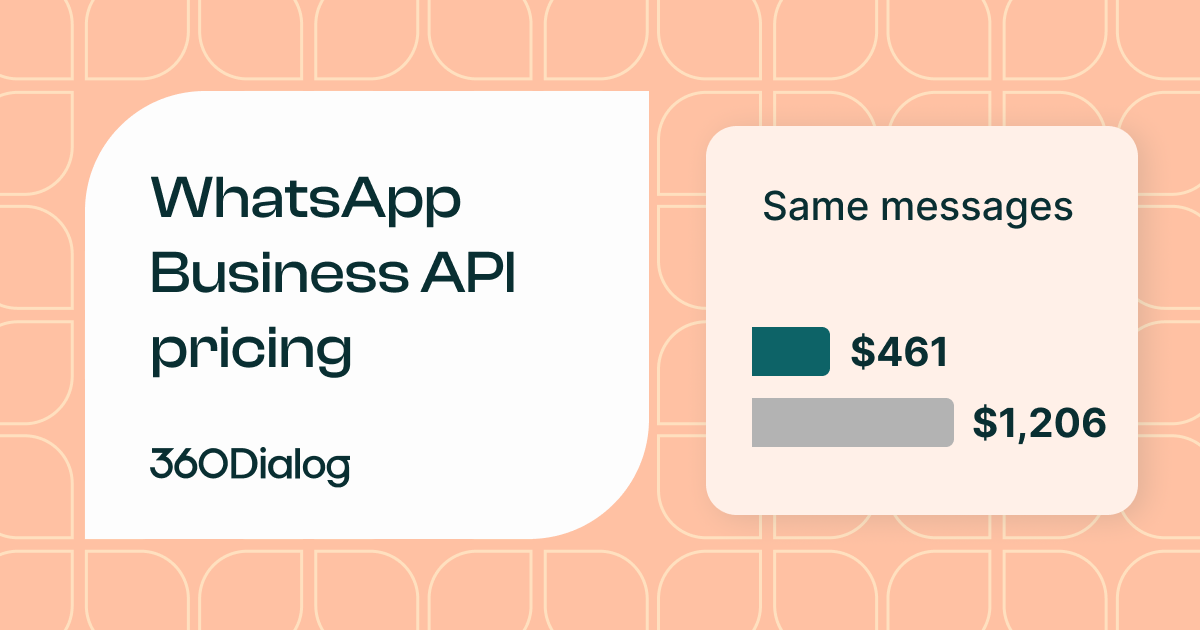
WhatsApp Business API Pricing: Why “Markup on Messages” Often Costs You More
When you’re choosing a WhatsApp Business Solution Provider (BSP), the pricing page rarely tells the whole story. Every provider in this market builds on the same official WhatsApp rate cards – the real differences come from where each one layers its margin on top: a fixed subscription, a markup on templates, a markup on service…
-
How to Get Your First WhatsApp Business Account Approved
A WhatsApp Business Account (WABA) is the Meta-owned object that gives you programmatic access to the WhatsApp Business Platform. Without an approved WABA, you cannot send a single message through the API. Approval is not one decision. It is four separate reviews: The WABA approval process is really those four reviews stacked together, each with…
-
Meta Business Agent Is Here – And 360Dialog Is Your Partner to Get There Without the Guesswork
WhatsApp is getting an AI upgrade. Meta Business Agent (MBA) is Meta’s new enterprise AI agent that talks to your customers directly on WhatsApp, in your brand’s voice, answering from your own knowledge, taking actions in your systems through connectors, and handing off to your app or a human when it needs to. Once enabled,…
-
EU-Hosted WhatsApp: What GDPR Actually Means for Your BSP in 2026
For years, choosing a WhatsApp provider was mostly a messaging decision. In 2026, it has turned into a data-protection one. Legal, procurement, and security teams across Europe are asking harder questions about where customer conversations are processed and stored, and who can reach that data. For banks, insurers, hospitals, public bodies, and SaaS platforms handling…
-
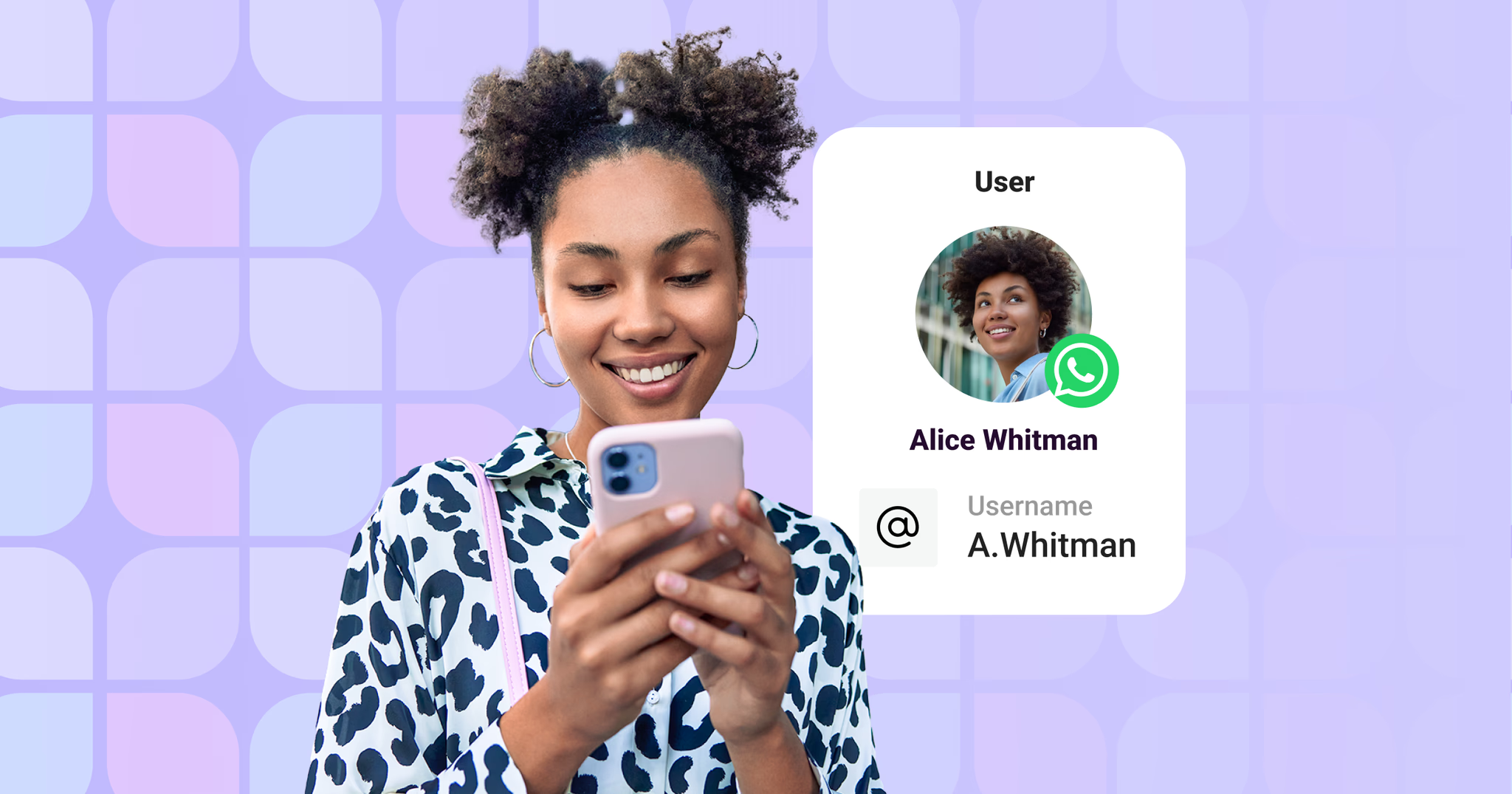
WhatsApp usernames: here’s what it actually means for your business (2026)
LIVE ARTICLE – REGULARLY UPDATED. Meta is rolling out usernames in phases throughout 2026. We update this page every time new information is officially confirmed. Last updated: July 2026. Meta is rolling out WhatsApp usernames throughout 2026. This article covers what that means for your systems, your customers, and what you need to do TL;DR:…
-
Why 360Dialog Sets the Global Standard for WhatsApp Business Support
When WhatsApp is a mission-critical channel for your business, the quality of your Business Solution Provider’s (BSP) support isn’t a nice-to-have – it’s a make-or-break factor. Downtime, failed message delivery, or a stalled API integration can directly impact revenue, customer relationships, and operational continuity. Choosing the right BSP means choosing a partner who shows up…
-
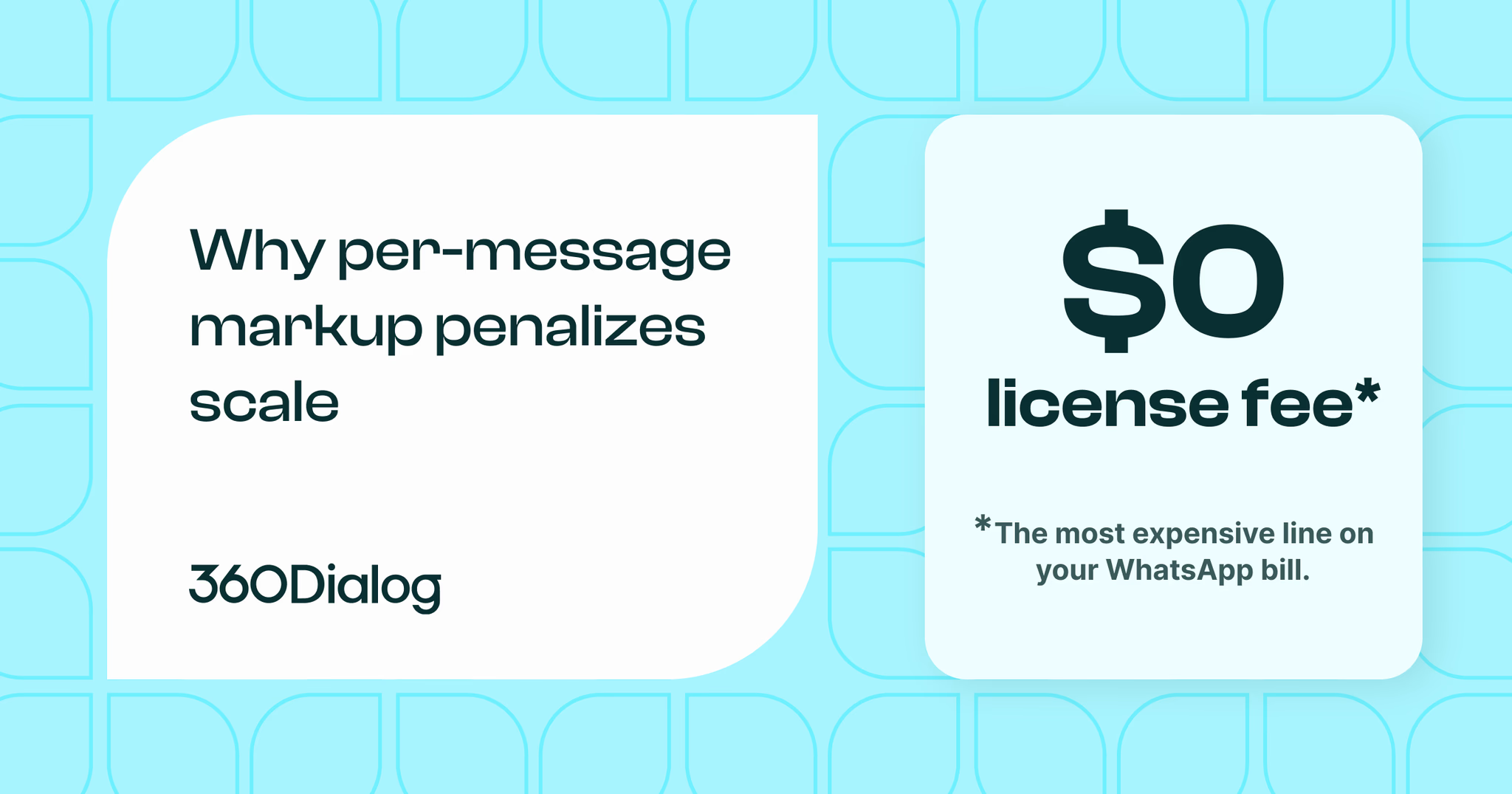
The End of the Transactional Era: Why 360Dialog’s Subscription Model is the Future of WhatsApp Business
To evaluate the shifting realities of WhatsApp ecosystem costs, it is essential to define how these competing structures operate. A subscription-based pricing model charges businesses a predictable, flat license fee at recurring intervals, entirely independent of the volume of messages transmitted. On the other hand, a transactional pricing model continuously charges companies a variable fee…
-
Why Your WhatsApp Templates Keep Getting Rejected (and How to Fix the Pattern)
Your template got rejected, Meta didn’t give a clear reason, and your campaign is sitting idle. The cause is rarely random. It’s usually one of four or five repeating patterns that show up across nearly every account dealing with rejections at scale. Once you can spot which pattern you’re in, the fix is usually straightforward.…
-
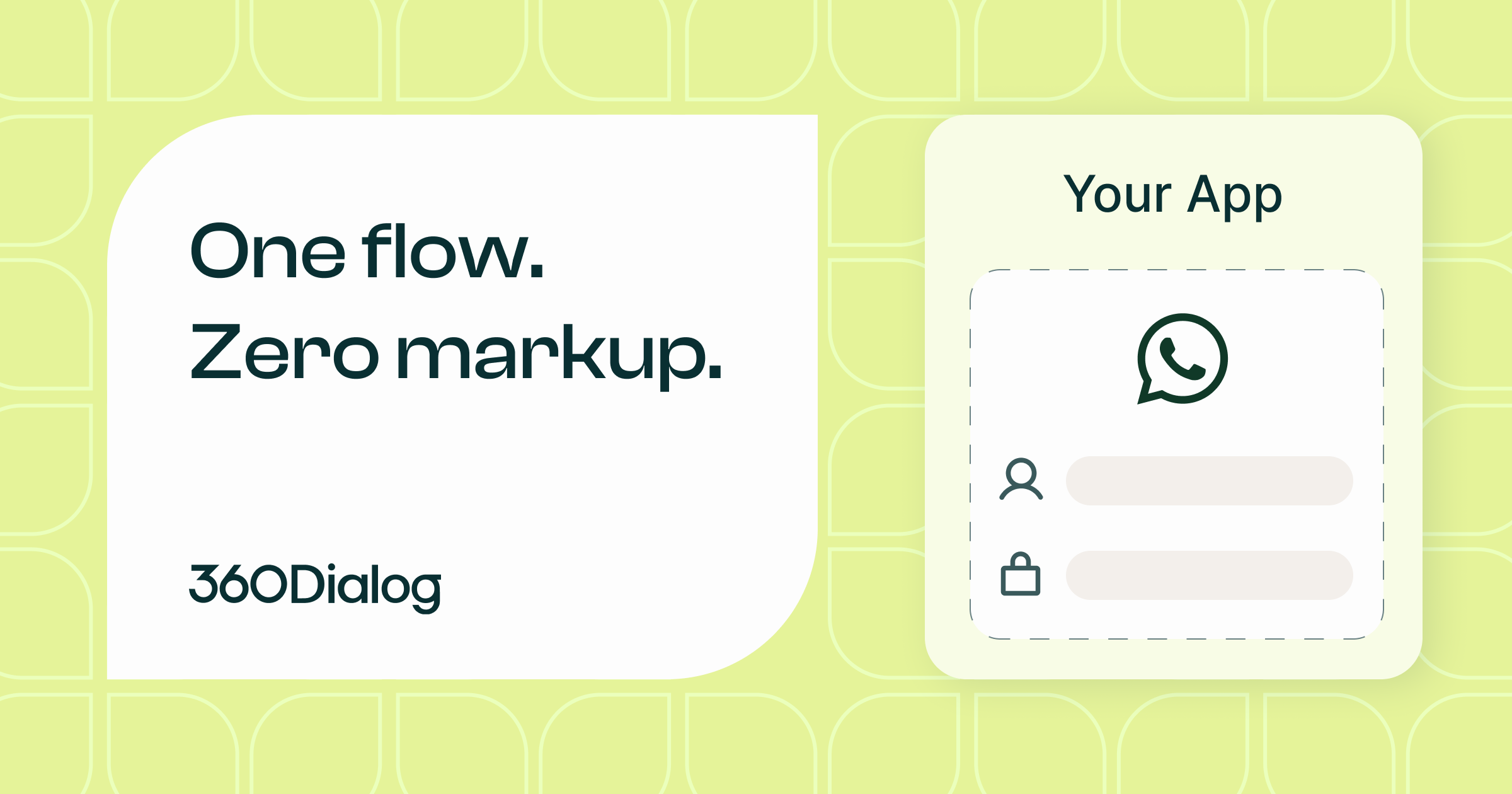
How to build WhatsApp Into Your SaaS
Your customers want to reach their own users on WhatsApp, and the ones who can’t do it inside your platform are doing it somewhere else. Every time a user leaves your product to send a message from another tool, that’s activity you no longer own, and activity that moves outside your platform is where stickiness…
-
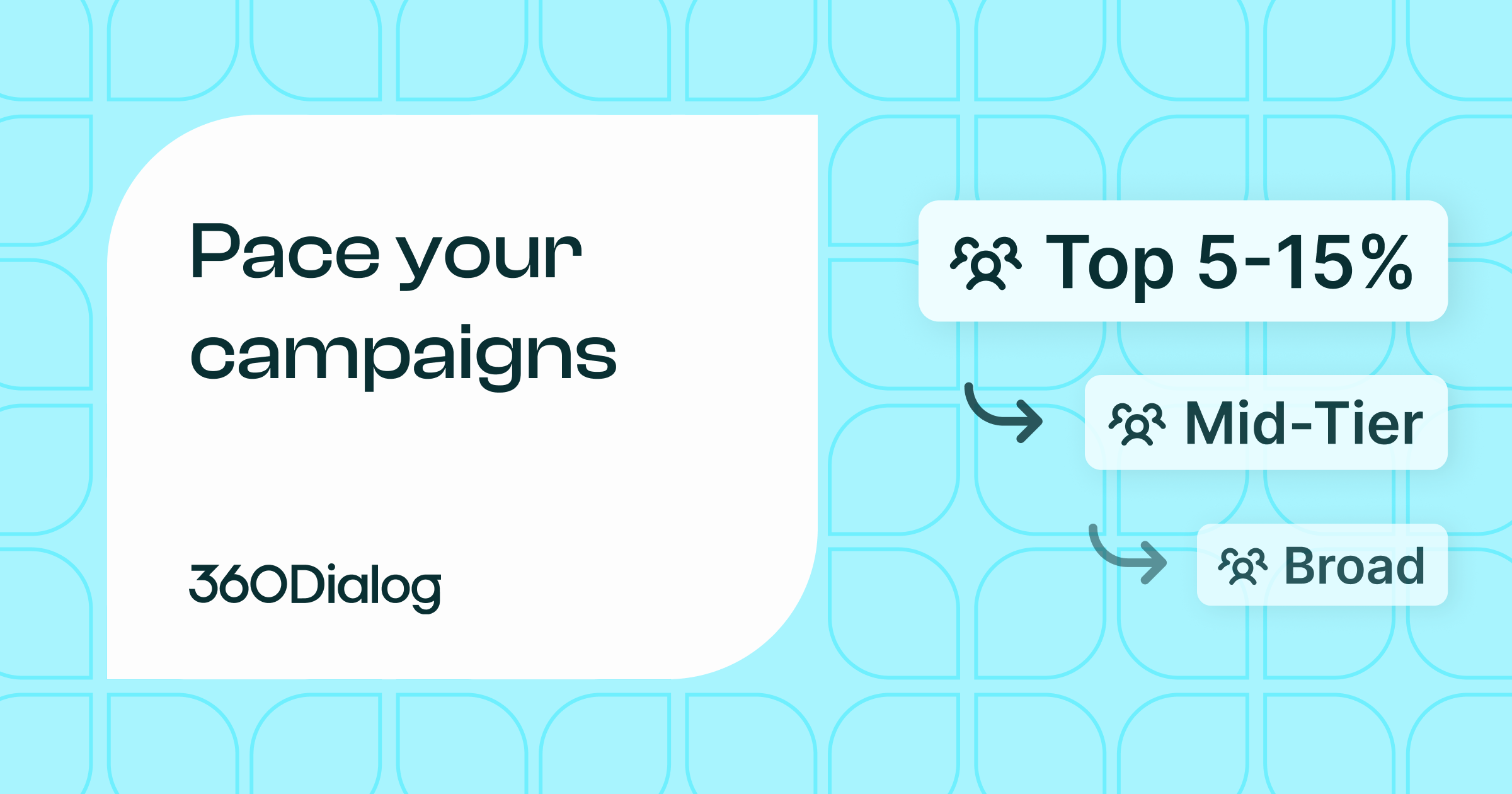
Meta’s New Messaging Limits & Template Pacing: How to Redesign Your Campaign Strategy
Over the past year, Meta has quietly shifted the center of gravity in WhatsApp campaign execution, away from hard messaging limits and toward quality-based pacing. Most teams haven’t adjusted yet. You can still send high volumes, and the WhatsApp messaging limit tiers (250, 2K, 10K and up) technically still exist. But they’re no longer what…
-
The 72-Hour Click-to-WhatsApp Ad Window: A Performance Playbook
If you’re running Click to WhatsApp ads, you’re unlocking a time-bound engagement window that can dramatically shift your acquisition economics. Most teams treat CTWA like a simple traffic channel. They optimize for CPC, maybe cost per conversation, and stop there. But that’s a mistake. The real leverage sits after the click. When a user enters…
Ready to explore what WhatsApp can do for your business?
From API access to managed campaigns, find the
approach that fits your needs.